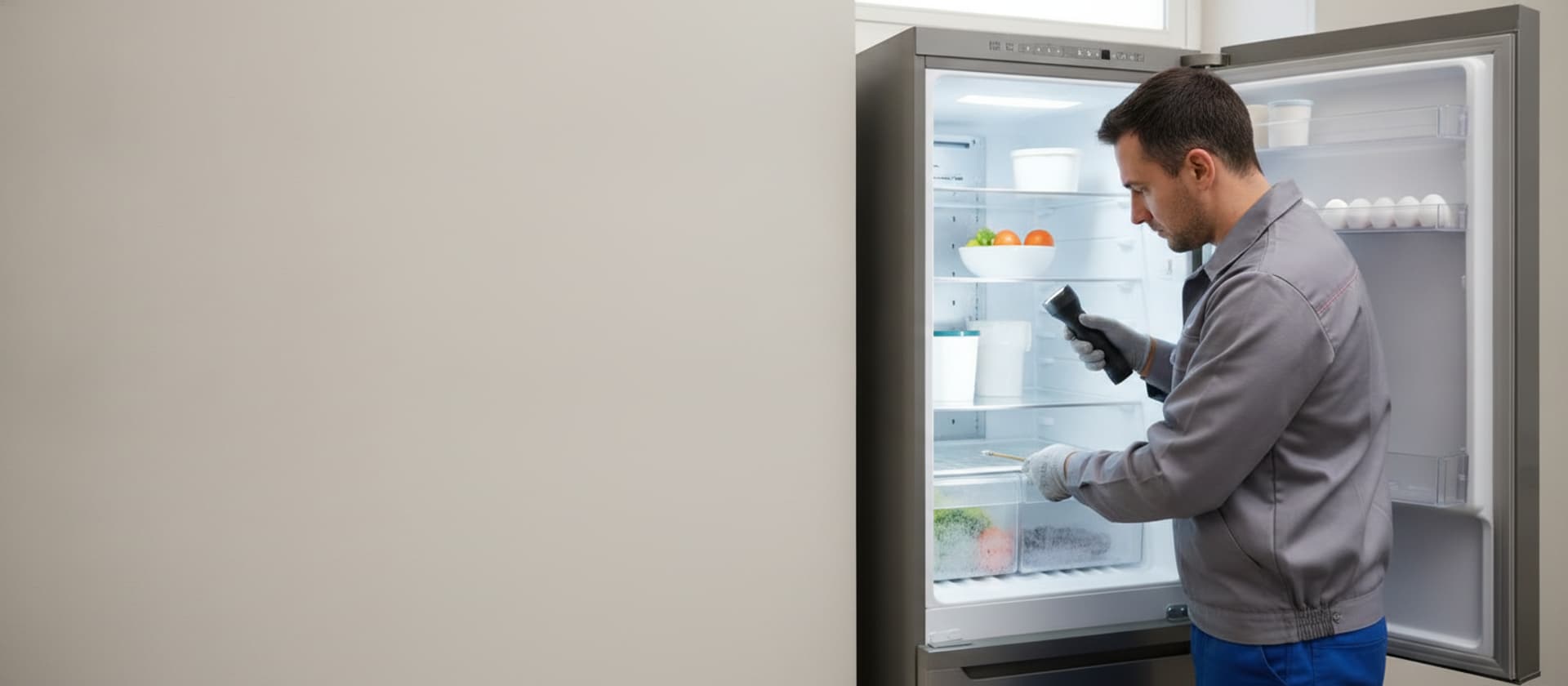
Samsung Refrigerator Not Cooling · Diagnostic Guide · Same Day Southern California
Samsung Refrigerator Not Cooling? First, Rule Out Demo Mode
If it's lit but not cold and shows OF OF, that's demo mode — not a breakdown. Here's how to exit it, the real no-cool causes on Twin Cooling models, and how long your food stays safe.
AI Diagnostic · free · about a minute
Refrigerator acting up?
Describe it in your own words — get the likely causes and a repair cost range before you book.
Our Branches
10 service territories across Southern California
01 · The short answer
Lit up but not cold? Check for OF OF first.
Before you troubleshoot a Samsung that won't cool, rule out a non-fault: if the panel is lit but nothing's cooling and you see OF OF (or O FF, or scrolling bars), that's Cooling Off / demo mode — the showroom setting that disables cooling, ice, and the dispenser. It's not a breakdown, and people trigger it by accident. Exit by holding the two arrow buttons together about eight seconds until a chime. If there's no OF OF and it's genuinely warm, the causes are the evaporator fan ("freezer cold, fridge warm"), a defrost system iced over, dirty condenser coils, or a thermistor or board. Coils and airflow are yours; the sealed system is a tech job. $89 residential diagnostic, waived with repair.
Food is on a clock: per USDA and FDA guidance, a refrigerator keeps food safe for about 4 hours with the door closed. Keep the doors shut, move critical items to a cooler with ice if you can, and get a tech out before that window closes. Full food-safety details are in the section below.
02 · OF OF — demo mode, not a breakdown
The most common "dead Samsung" that isn't dead.
The single most-panicked Samsung "not cooling" call is a fridge in Cooling Off / demo mode, shown as OF OF, O FF, or scrolling bars on the display. It's the mode stores use to light up the panel without running the compressor, so the screen works but nothing cools, no ice is made, and the dispenser is dead. Owners switch it on by accident — often while cleaning the panel — and assume the refrigerator failed.
To exit, press and hold the two arrow buttons (the left and right, often labeled with the freezer and fridge controls) together for about eight seconds until you hear a chime. Some models use a different combination, so if that doesn't work, check your model's manual for the demo-mode exit. Once you're out, cooling resumes on its own. It costs nothing and it's the first thing to check — which is exactly why we lead with it. The full Samsung code list, including OF OF, is on our Samsung refrigerator error codes guide.
03 · Why a Samsung stops cooling
The real causes, once demo mode is ruled out.
Evaporator fan — and Twin Cooling
Samsung's Twin Cooling Plus models have separate evaporators and fans for the fridge and freezer, so one compartment can warm while the other stays cold. A failed fridge-side fan is the classic "freezer cold, fridge warm." A tech job inside the cabinet.
Defrost system iced over
A failed defrost heater, sensor, or control lets frost build on the evaporator until air can't pass and cooling drops. The tell is a wall of frost behind the freezer's back panel.
Dirty condenser coils
Coils caked in dust can't shed the compressor's heat, so cooling fades — worse in an LA summer. This is the most common homeowner-fixable cause.
Thermistor or control board
A misreading temperature sensor or a failed board can stop the fridge from calling for cooling, and may show a Samsung code. Both are tech replacements.
Compressor / sealed system
If the compressor runs but doesn't cool or won't start, the sealed system is the fault — a gauges-and-tech diagnosis, and the higher-ticket end of the list.
04 · What you can safely check
Try these before the food is at risk.
- Exit demo mode if you see OF OF — hold the two arrow buttons ~8 seconds.
- Vacuum the condenser coils behind the rear panel or under a front kick-plate.
- Clear the interior vents so food isn't blocking airflow between compartments.
- Check the door seal and temperature setting, and pull the fridge a few inches off the wall to shed heat.
- Power-cycle — unplug a minute, restart — then watch for improvement over a few hours.
Where to stop: demo mode, coils, vents, seal, temperature, and a power-cycle are safe. Do not open the sealed refrigeration system, test the compressor, or replace the control board — those carry shock and refrigerant risks and are our techs' work.
05 · Heat-wave food safety — when to call today
A warm fridge is a clock. Here are the numbers.
A refrigerator that's stopped cooling is a race against the clock, and in an LA heat wave that clock runs faster. Per USDA and FDA guidance:
- Refrigerator: about 4 hours of safe food with the door kept closed.
- Freezer: roughly 48 hours full, 24 hours half-full, if the door stays shut.
- Above 40°F for 2 hours or more → discard it. That covers meat, poultry, seafood, eggs, milk, cut produce, and leftovers.
- When in doubt, throw it out — and never taste food to decide. Frozen food can be safely refrozen only if it still has ice crystals or is at 40°F or below.
So once you've ruled out demo mode and the Samsung is genuinely warm, treat it as a same-day call. Keep the doors closed, move critical items to a cooler with ice, and get a tech out before the four-hour fridge window closes. We answer phones 24/7 and run same-day across most of the area. $89 residential diagnostic, waived with the repair.
06 · When to call us
Demo mode's off, coils are clean, still warm? Now it's a diagnostic.
When demo mode is ruled out, the coils are clean, and the Samsung still won't cool, the fault is inside — the evaporator fan, the defrost system, a thermistor or board, or the sealed system. Our techs test each in order and carry the common Samsung fan motors and defrost parts for a one-visit fix where possible.
More help: the general refrigerator not cooling guide (all brands), and if it's the fridge warm while the freezer's fine, fridge not cooling, freezer works. Codes: Samsung refrigerator error codes. Brand coverage: Samsung refrigerator repair. Same-day across Los Angeles, Beverly Hills, and Irvine in most cases. Book online or call (424) 325-0520.
07 · FAQ
Samsung refrigerator not cooling: common questions.
Why is my Samsung refrigerator not cooling?
First, rule out a non-fault: if the panel is lit but nothing's cooling and you see OF OF (or O FF, or scrolling bars), that's Cooling Off / demo mode, not a breakdown — exit it before troubleshooting anything. If it's genuinely not cooling, the common causes are a failed evaporator fan (which shows as 'freezer cold, fridge warm'), a defrost system iced over the evaporator, dirty condenser coils, and a bad thermistor or control board. Samsung's Twin Cooling models have separate evaporators for the fridge and freezer, so one side can warm while the other stays cold. Coils and airflow are yours to check; the sealed system is a tech job.
My Samsung shows OF OF (or O FF) and won't cool — is it broken?
No — OF OF, O FF, or scrolling bars mean the refrigerator is in Cooling Off / demo (shop) mode, the showroom setting that lights the panel but disables cooling, ice, and the dispenser. People trigger it by accident and think the fridge died. To exit, press and hold the two arrow buttons together for about eight seconds until you hear a chime; the exact button combination varies by model, so check your manual if that doesn't work. Once you exit demo mode, cooling resumes. It's the first thing to rule out on any Samsung that's lit but not cold.
My Samsung freezer is cold but the fridge is warm — what's wrong?
On a Twin Cooling Plus Samsung, the fridge and freezer have their own evaporators and fans, so this split usually means the fridge-side evaporator fan has failed or its coil has frosted over. On single-evaporator models, it's the shared evaporator fan not pushing cold air up to the fridge. Either way it's a fan or defrost fault inside the cabinet — a common, fixable repair, and a tech job. Keep the doors closed while you wait; the fridge food is on roughly a four-hour clock.
Can I fix a Samsung refrigerator that's not cooling myself?
Some of it. First exit demo mode if you see OF OF. Then vacuum the condenser coils, make sure interior vents aren't blocked by food, confirm the doors seal and the temperature is set right, pull the fridge a few inches off the wall so it can shed heat, and give it a power-cycle. What you should not do is open the sealed refrigeration system, test the compressor, or replace the control board — those carry shock and refrigerant risks and are a tech's job. If it's clearly warm inside and demo mode isn't the cause, call the same day.
How long is food safe in a Samsung that stopped cooling?
Per USDA and FDA guidance, a refrigerator keeps food safe for about 4 hours with the door kept closed, and a full freezer holds a safe temperature for roughly 48 hours (24 hours if half-full) if you keep it shut. Perishable food — meat, poultry, seafood, eggs, milk, cut produce, leftovers — held above 40°F for 2 hours or more should be thrown out. When in doubt, throw it out, and never taste food to check. That 4-hour fridge window is why a no-cool refrigerator is a same-day call — keep the doors closed and get a tech out before it closes.
Samsung not cooling and it's not demo mode? Call today.
$89 diagnostic waived with repair. Same-day across LA, OC, Ventura. Phones answered 24/7.