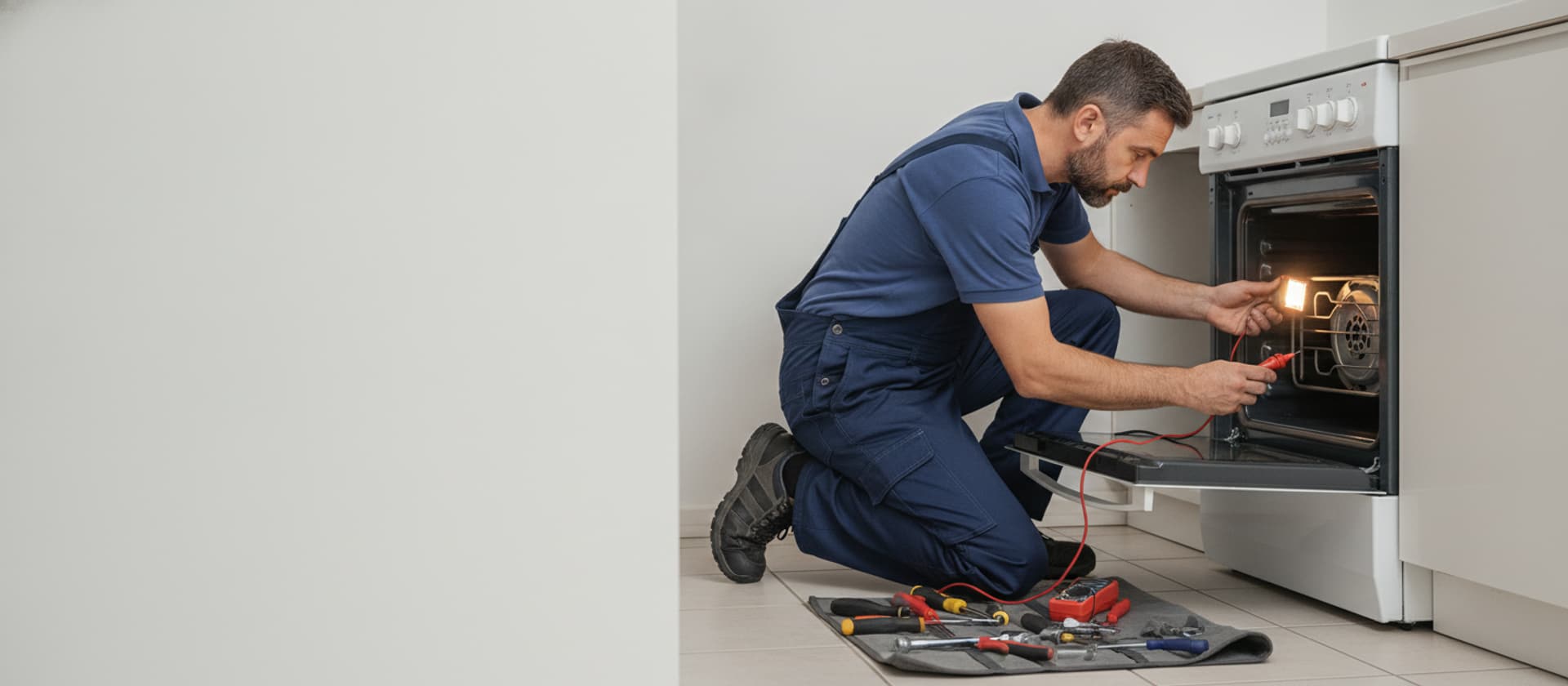
Samsung Oven Not Heating · Diagnostic Guide · Same Day Southern California
Samsung Oven Not Heating? Start With the Bake Element
On an electric Samsung the bake element is the #1 no-heat part; also the temperature sensor, a self-clean-blown thermal fuse, or the board. Gas models point at the igniter. Here's what's safe to check.
AI Diagnostic · free · about a minute
Oven acting up?
Describe it in your own words — get the likely causes and a repair cost range before you book.
Our Branches
10 service territories across Southern California
01 · The short answer
A no-heat Samsung oven is usually the bake element — or a self-clean casualty.
Most Samsung ovens are electric or dual-fuel, and when one won't heat the usual causes are a burned-out bake element (the #1 culprit), a failed oven temperature sensor, a control board or relay that won't switch the element on, or a thermal fuse blown by a self-clean cycle. A gas Samsung oven that won't heat is usually a weak igniter that glows but can't open the gas valve. A failed bake element often shows a visible break, blister, or a dark spot that won't glow. You can safely look at the element (cool), rule out your settings, and check whether a self-clean is still latched — but replacing the 240-volt element, the sensor, the fuse, or the board is a technician job. $89 residential diagnostic, waived with repair.
Heats to the wrong temperature, not zero? That's more often the temperature sensor or calibration than a dead element, and Samsung may show a temperature error code — see our oven error codes guide.
02 · The bake element — check it first
What a failed element looks like.
On an electric Samsung, the bake element is the heavy loop across the bottom of the oven cavity, and it's the most common no-heat part. With the oven set to bake, a healthy element glows bright orange evenly along its entire length. When it fails, you'll usually see one of these with the oven cool:
- A visible break or split in the metal loop.
- A blistered or bubbled spot where it burned out.
- A section that stays dark while the rest glows, or an element that never glows at all.
The visual check is safe with the oven off and cool — and it tells us exactly what to bring. But the element carries 240 volts, so testing and replacing it is a technician job, not a DIY swap. If the element looks fine but still won't heat, the control board or a relay may not be switching it on.
03 · Why a Samsung oven won't heat
The causes, in the order our techs check them.
Bake element (electric, most common)
Burned out — visible break, blister, or dark section. The #1 electric no-heat part. 240-volt tech replacement.
Thermal fuse (often after self-clean)
A safety that cuts power when the oven overheats. Self-clean's extreme heat commonly blows it, leaving the oven dead or unable to heat. Inexpensive part, tech replacement — and we check why it blew.
Oven temperature sensor
Tells the control how hot the cavity is. Out of spec, it can stop the oven calling for heat or heat to the wrong temperature. Tech tests resistance against spec.
Control board / relay
If the board or a relay won't switch the element on, the oven won't heat even with a good element. Tech diagnosis.
Weak igniter (gas models)
On a gas Samsung, the igniter glows but doesn't get hot enough to open the gas valve, so the oven never lights. Tech diagnosis — leave the gas side to a pro.
04 · What you can safely check
Rule these out before it's a repair.
- Confirm the mode — you're on Bake, not a delay-start, timer, or Sabbath mode, and no self-clean cycle is still latched and cooling.
- Look at the bake element (oven cool) for a visible break, blister, or dark spot.
- Note if it heats weakly on an electric range while the surface burners work — that can mean a lost 240-volt leg, worth telling the tech.
- Note the timing — if it died right after a self-clean, say so; that points at the thermal fuse.
Where to stop: the visual and mode checks are safe with the oven off and cool. Replacing the 240-volt bake element, the sensor, the thermal fuse, or the control board — and anything on a gas oven's igniter or valve — is our techs' work.
05 · If it shows a code
Wrong-temperature or error-code faults.
If your Samsung isn't stone-cold but heats to the wrong temperature, shuts off early, or shows a temperature-related error code, the fault leans toward the temperature sensor, calibration, or the control rather than a dead element. Samsung ovens display codes for many of these, and our oven error codes guide covers what the common ones mean across brands. Either way the diagnosis is the same — a tech reads the code, tests the sensor and element with a meter, and replaces what's actually out of spec.
06 · When to call us
Element looks bad — or looks fine but still cold?
Either way it's a diagnostic. If the bake element shows a break or blister, we replace it; if it looks fine but the oven still won't heat, we test the sensor, thermal fuse, board, and relays with a meter to find what's actually failed. Our techs handle electric, dual-fuel, and gas Samsung ovens and carry the common elements, sensors, and fuses for a one-visit fix where possible.
More help: the general oven not heating guide, the same fault on Whirlpool ovens, the oven error codes page, and oven temperature off if it heats to the wrong temp. Same-day across Los Angeles, Beverly Hills, and Pasadena in most cases. Book online or call (424) 325-0520.
07 · FAQ
Samsung oven not heating: common questions.
Why is my Samsung oven not heating?
On an electric Samsung oven — most of them — the usual causes are a burned-out bake element, a failed oven temperature sensor, a control board or relay that isn't switching the element on, or a blown thermal fuse (often after a self-clean cycle). A gas Samsung oven that won't heat is usually a weak igniter that glows but doesn't get hot enough to open the gas valve. A bake element that's failed often shows a visible break, blister, or a spot that doesn't glow. You can safely look at the element and rule out settings and a tripped self-clean, but replacing the element (it runs on 240 volts), the sensor, or the board is a technician job. $89 residential diagnostic, waived with repair.
How do I know if it's the bake element?
The bake element is the loop at the bottom of an electric oven, and it's the most common no-heat part. With the oven on bake, it should glow bright orange evenly along its whole length. Tell-tale signs it's failed: a visible break or split, a blistered or bubbled spot, or a section that stays dark while the rest glows. If the oven runs but never gets hot and the element never glows, the element (or the control switching it) is the prime suspect. Because it carries 240 volts, testing and replacing it is a technician job — but the visual check is safe and tells us what to bring.
My Samsung oven stopped heating after a self-clean cycle — why?
That's a classic, and it's usually the thermal fuse. Self-clean runs the oven extremely hot, and that heat can blow the thermal fuse — a safety device that cuts power when temperatures get too high — leaving the oven completely dead or unable to heat afterward. It can also stress the control board. If your Samsung stopped heating right after a self-clean, tell us that; it points us straight at the thermal fuse and the board. It's one reason we're cautious about self-clean on older ovens. The fuse is an inexpensive part, but replacing it is a technician job, and we check why it blew so it doesn't happen again.
What's the oven temperature sensor and how does it cause no heat?
The temperature sensor is a thin probe inside the oven cavity that tells the control how hot it is. If it fails or reads wildly wrong, the control can't regulate the element — sometimes it won't call for heat at all, sometimes the oven heats to the wrong temperature or shuts off early. On Samsung, a bad sensor can also throw a temperature-related error code. A technician tests the sensor's resistance with a meter against spec and replaces it if it's out of range. If your oven heats but to the wrong temperature rather than not at all, the sensor (or calibration) is a leading suspect — see our oven error codes page for the code side.
Can I fix a Samsung oven that won't heat myself?
You can do the safe rule-outs. Confirm you're on bake (not a delay-start or Sabbath mode), check that a self-clean cycle isn't still latched and cooling, and look at the bake element for a visible break or blister with the oven cool. On an electric range, a partial power loss (one of the two 240-volt legs) can make it heat weakly — worth noting if the surface burners work but the oven doesn't. What to leave to a tech: replacing the 240-volt bake element, the temperature sensor, the thermal fuse, or the control board, and anything on a gas oven's igniter or gas valve. Turn the oven off and let it cool before looking at the element.
Samsung oven won't heat? We'll find the failed part.
$89 diagnostic waived with repair. Same-day across LA, OC, Ventura. Phones answered 24/7.